Spot UV Design Tips
How to prepare your Spot UV design for a flawless finish.
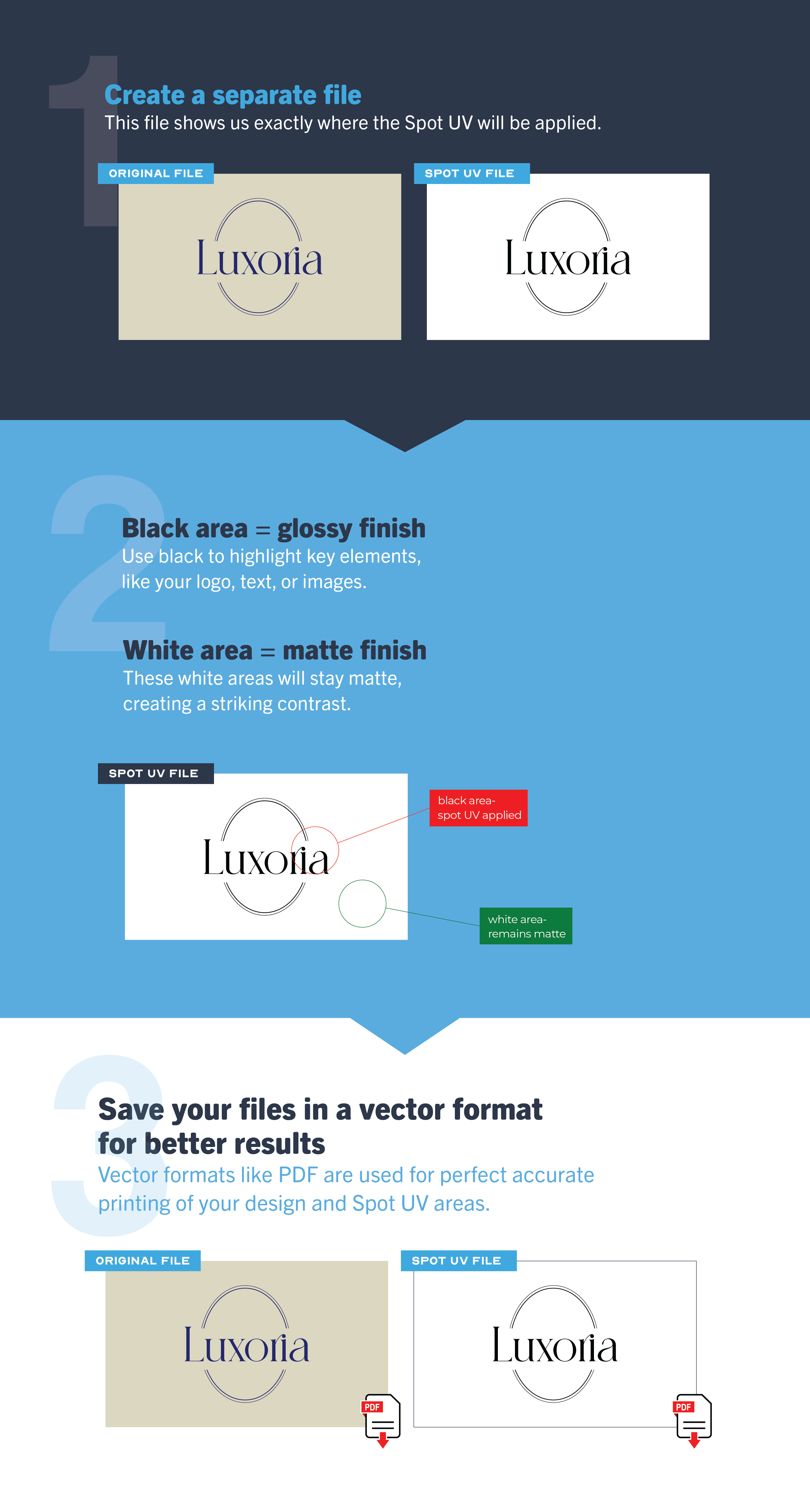
1. Create a separate file
This file shows us exactly where the Spot UV will be applied.
2. Black area = glossy finish
Use black to highlight key elements, like your logo, text, or images.
3, White area = no gloss
These areas stay matte, creating a striking contrast.
4. Save your files in vector format for better results.
Vector formats like PDF or AI (Adobe Illustrator) are used for perfect accurate printing of your design and Spot UV areas.